Getting Started
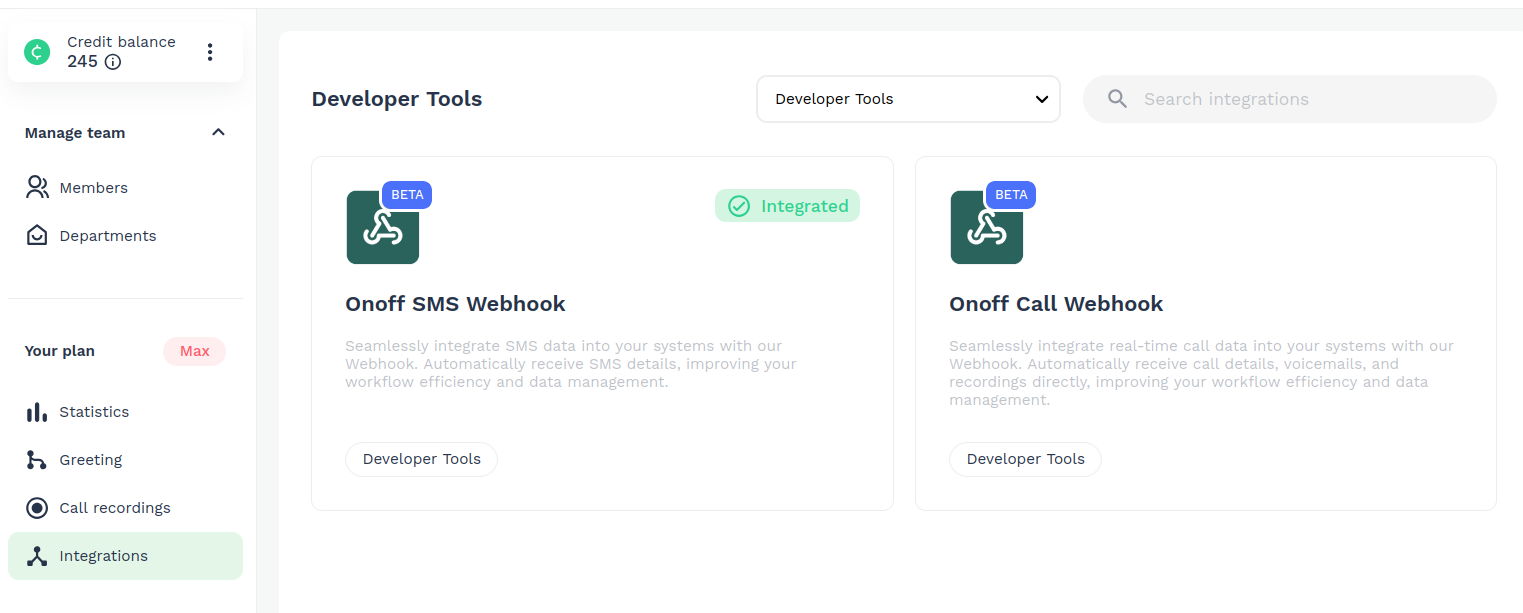
The first thing you will need is to sign up in Onoff Business and make sure you can access to the panel of integrations. If you can not see the menu integrations please update your account plan to Advanced or Max. In the image below you can see the types of Webhooks offered, such as Call, SMS and Call Start. Although the setup is very similar, the final output data for each is different.
Once you click in one of the Webhooks offered, there will be two fields that should be filled as shown in the image
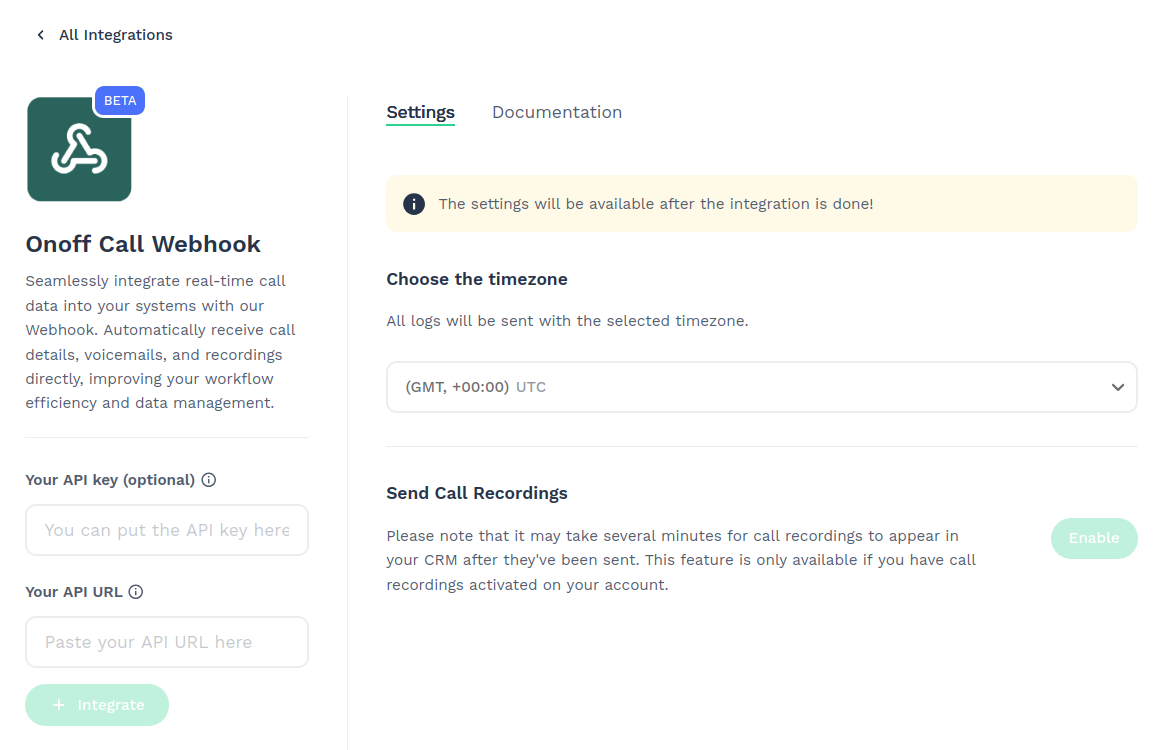
- Url: Required field that is the URL that Onoff will send the data logs
- Api key: Optional field suggested in order to secure your API. More details in Authorization section.
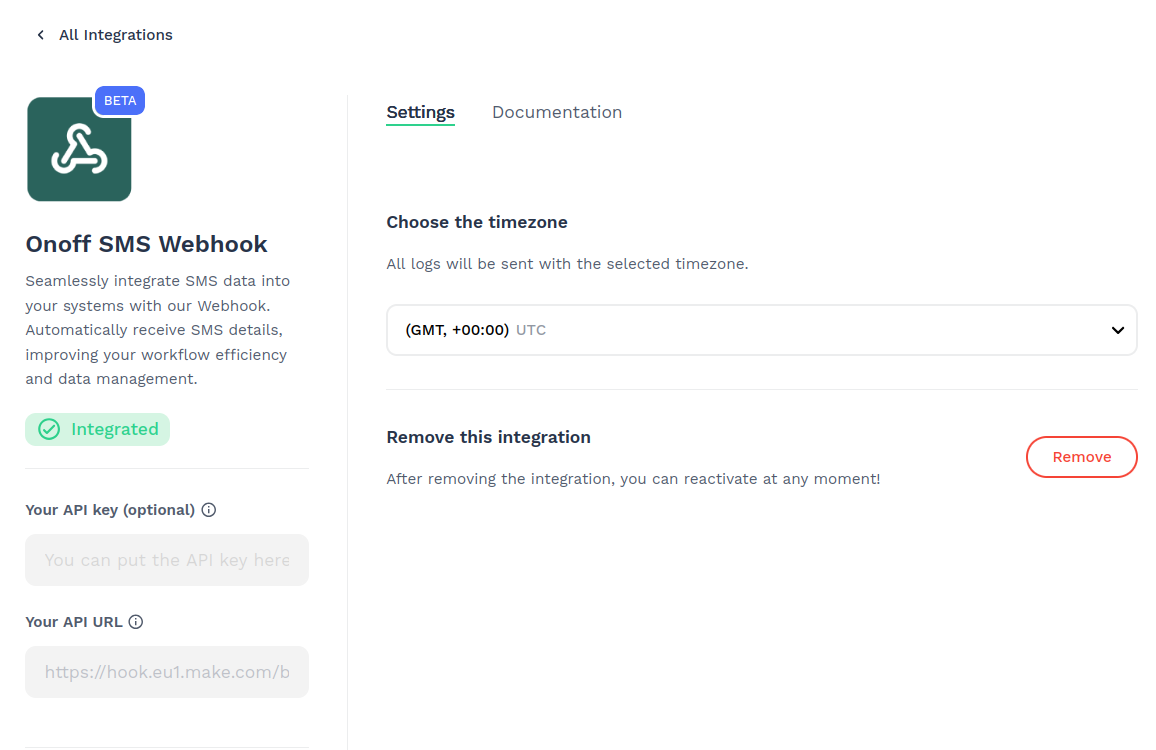
Once this is configured, clicking the "Integrate" button will perform a validation step to check if the entered URL can receive Onoff data. For this, we will send dummy data. If everything is OK, the app will show the status as "Integrated".